Roland JD-08 Editor Librarian
The Roland JD-08 Boutique synthesizer is a very challenging device to program. It has very small controls and a deep menu system with only 4-digit 7-segment LED display, showing very cryptic codes. A proper computer control is also difficult because it does not support MIDI System Exclusive (SysEx) messages. Many of the parameters can be changed using MIDI Control messages, but not all. Transfer of patches is done by backup files that can be downloaded and uploded to the JD-08 only when rebooting it to a special USB mass storage mode.
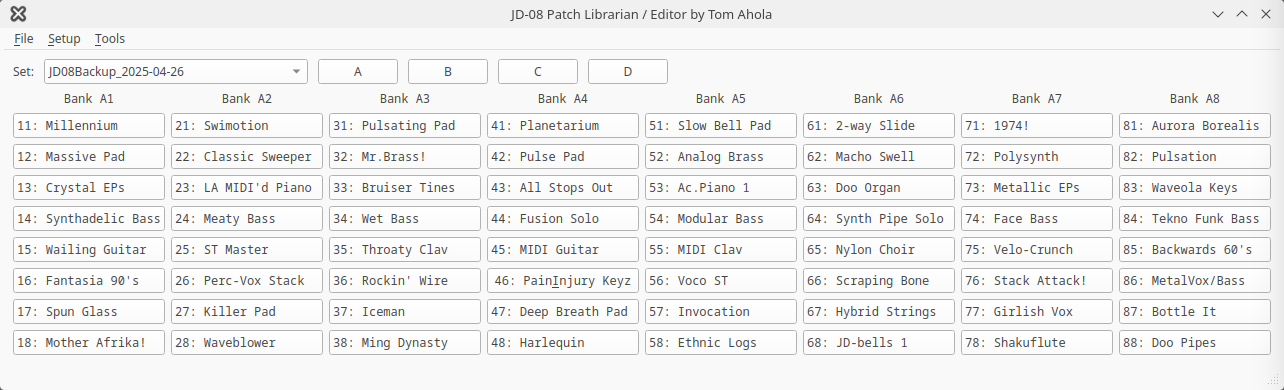
The main window of my JD-08 Editor Librarian shows 64 patch buttons with patch names. These send patch change messages to the JD-08 to change to the patch already in the memory of the JD-08. There are also buttons A...D to change the 64 patches to one of the 4 groups. One can have a large number of different sets of 256 patches, selectable by a dropdown list. A patch set corresponds to one backup file, which is the entire memory of the JD-08. My JD-8 editor features a set editor where you can drag-and-drop backup files, name the set and reorder the list of them. The set list is stored on the computer and is immediately available the next time the program is started.
For exact sound and behaviour from a patch, one has to upload the correct patch set to the JD-08 manually by rebooting the JD-08 and restoring the same backup file corresponding to the patch set. But the patch buttons can also be configured to send all the MIDI Control messages that configures the sound. This way a very large number of patches can be used without rebooting the JD-08 to change backup files. But some parameters, like some effect parameters, can not be changed via MIDI, so the sound will not be perfectly correct in all cases.
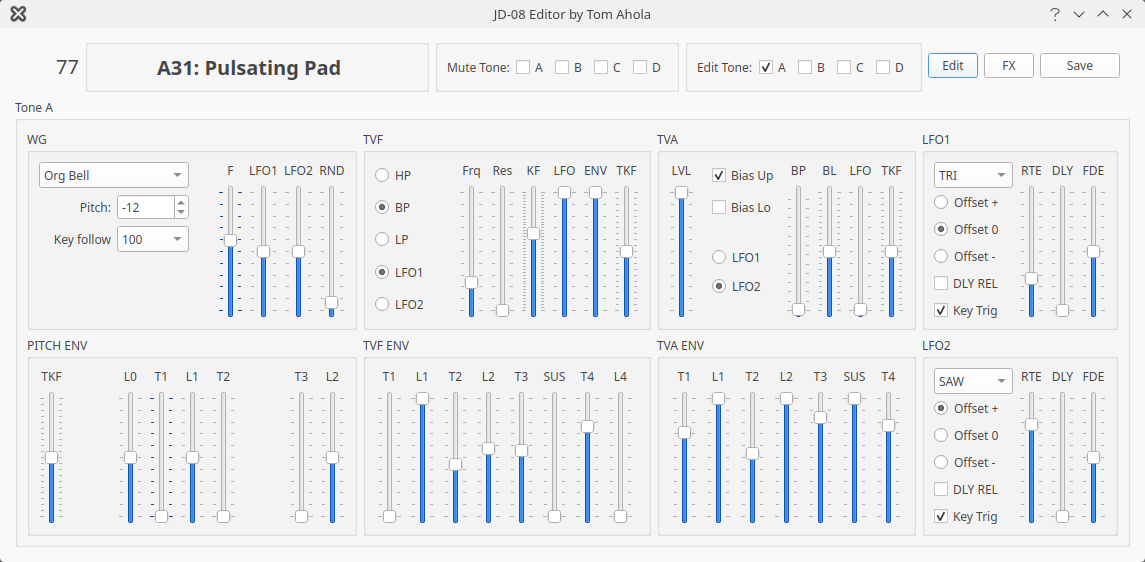
En editor dialog can be opened to modify the patch. The sound is changed in realtime by MIDI Control messages set to the JD-08, and this feature can also be used in a live performance situation. The new edited sound can be saved to the backup file, which can later be loaded into the JD-08. The new edited sound can also be saved on the JD-08 to the JD-08 memory.
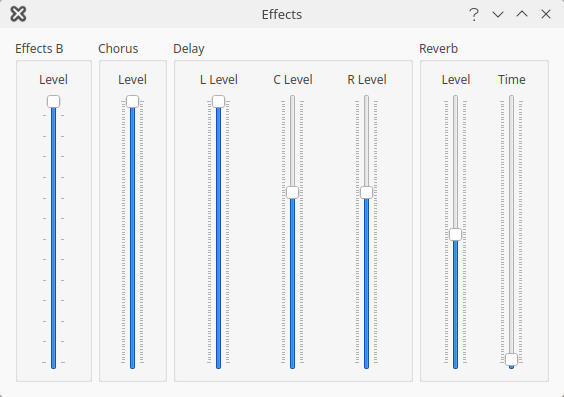
There is a separate dialog for the effect controls that can be changed in realtime and sent to the JD-08 via MIDI.
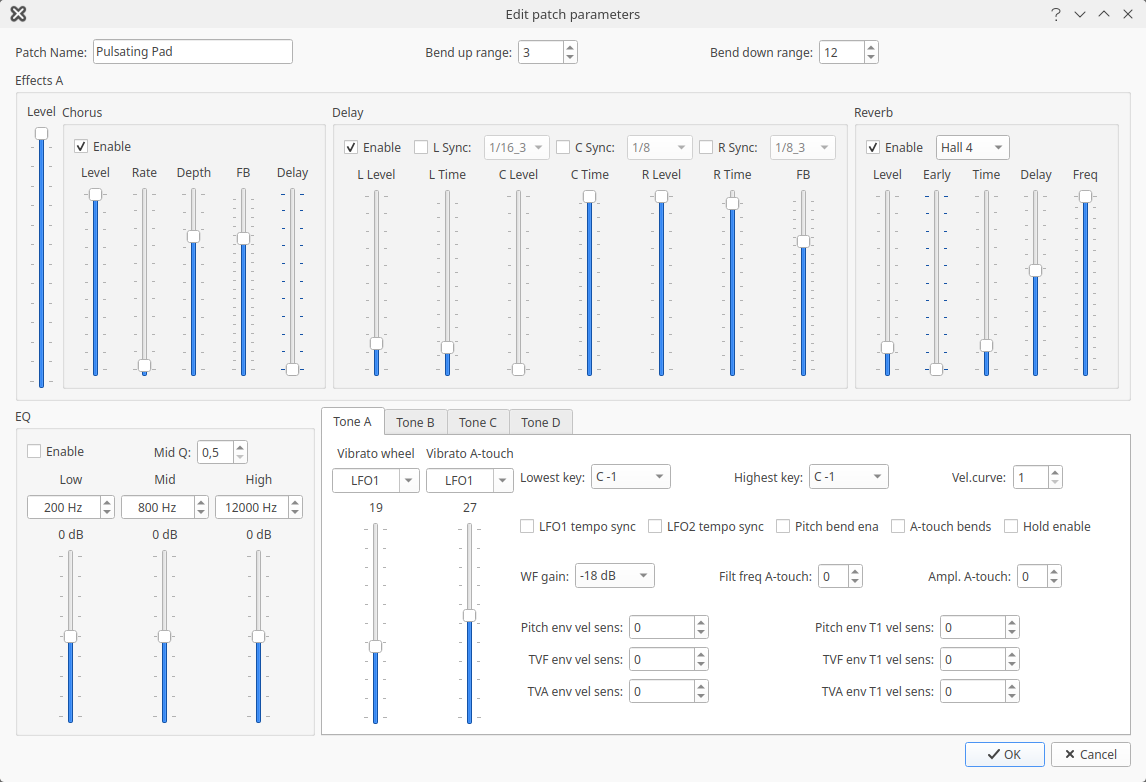
There is a separate dialog for editing patch parameters that can not be sent to the JD-08 using MIDI. These can only be saved to the backup file. The only way to listen to the changes in this dialog is to reboot the JD-08 and restore them from the backup file. This is due to limitations in the MIDI implementation of the JD-08. Due to this limitation it might be a good idea to start editing a new sound with a patch that does not require changing these parameters, at least not very much. This way the new sound can be designed while listening to the results.
PS. This program is not available for download - it is only shown here as a "gallery" of my work. This is due to licensing and contract issues.
